
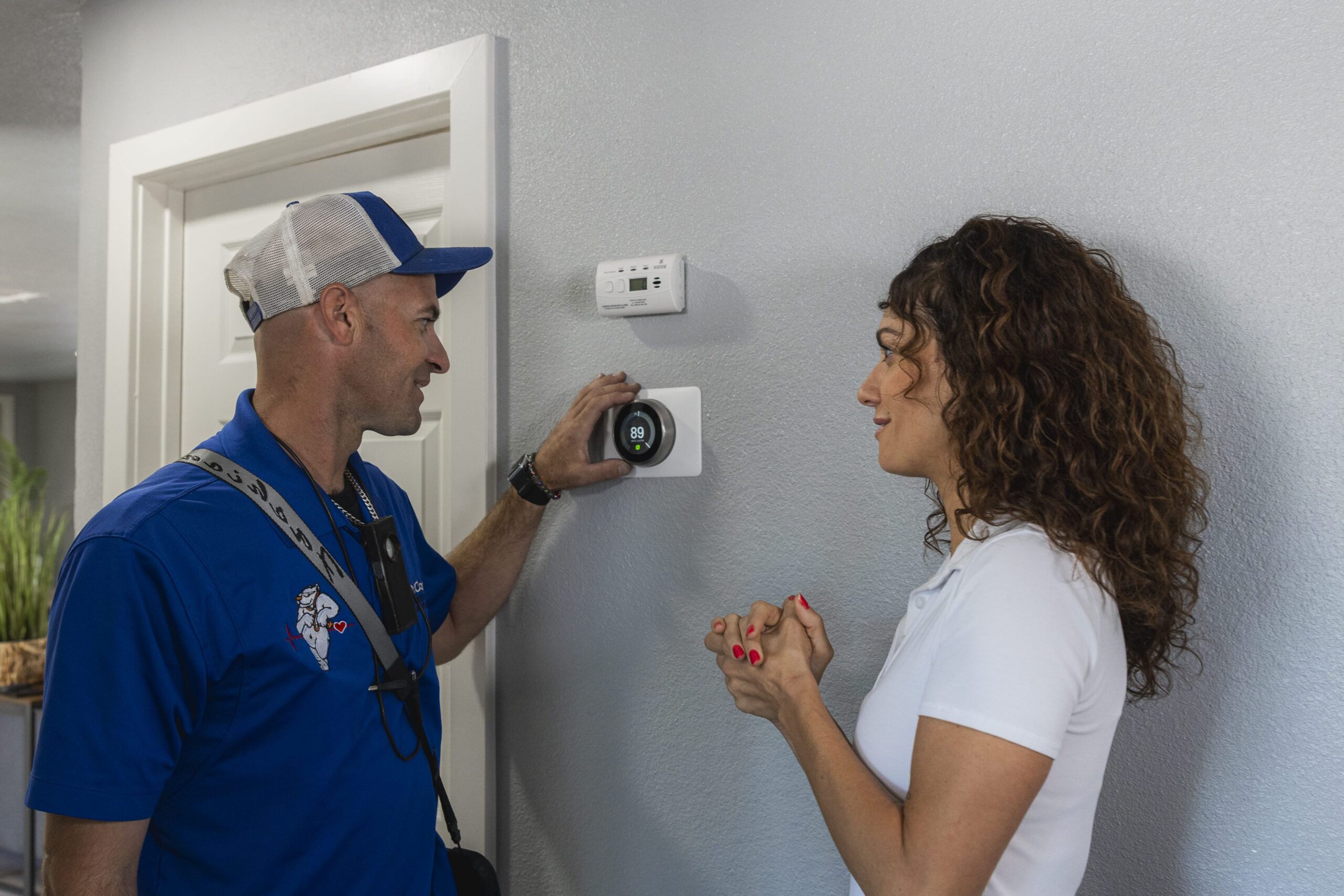
Upgrading your old thermostat to a smart thermostat is one of the easiest ways to improve comfort, convenience, and energy efficiency in your home. Modern smart thermostat models offer advanced features like remote access, voice control, learning capabilities, and detailed energy usage reports that can help homeowners reduce heating and cooling costs.
If you’re considering replacing a thermostat with a smart thermostat, here’s what you need to know.
Key Takeaways
- A smart thermostat can improve energy efficiency, comfort, and HVAC system performance.
- Before purchasing a new thermostat, verify compatibility with your existing HVAC system.
- Many homeowners can complete a smart thermostat installation themselves, but some systems require professional assistance.
Why Upgrade to a Smart Thermostat?
Traditional programmable thermostats allow you to create heating and cooling schedules, but a smart thermostat offers significantly more functionality.
Depending on the model, benefits may include:
- Wi-Fi connectivity
- Remote access through a mobile app
- Voice control integration
- Automatic schedule adjustments
- Energy savings reports
- Improved temperature readings
- Smart home compatibility
Popular brands such as Google Nest, Ecobee, and Honeywell offer a variety of options designed to work with many residential HVAC systems.
Many homeowners find that a new smart thermostat pays for itself by saving on energy bills over time.
Check Compatibility Before You Buy
Before purchasing a new smart thermostat, it's important to verify compatibility with your existing thermostat and HVAC equipment.
Most smart thermostat models are designed for low-voltage residential systems, but not every setup is the same.
Check:
- Heating and cooling equipment type
- Number of thermostat wires
- HVAC system age
- Heat pump compatibility
- Existing thermostat wiring configuration
Many manufacturers provide online compatibility tools that can help determine whether their thermostat will work with your system.
What Is a C-Wire?
One of the most common installation questions involves the C-wire, or the common wire.
A C-wire provides continuous power to the thermostat, allowing features such as Wi-Fi connectivity, smart home integration, touchscreen displays, and advanced scheduling functions.
Some homes already have a C-wire connected behind the existing thermostat. Others may require additional wiring or a power extender kit. Many newer smart thermostat models include solutions for homes without a dedicated C-wire.
Tools You'll Need
If you're planning a DIY installation, gather the following tools before starting:
- Screwdriver
- Smartphone or tablet
- Drill (if mounting adjustments are needed)
- Wire labels
- Level (optional)
Always review the manufacturer's installation instructions before beginning the project.
Step-by-Step Instructions for Replacing a Thermostat
While installation procedures vary slightly between thermostat models, the overall process is generally similar.
Step 1: Turn Off Power
Before removing the old thermostat, shut off power to your HVAC system at the circuit breaker. This protects both you and the equipment during the installation process.
Step 2: Remove the Existing Thermostat
Carefully remove the faceplate from the existing thermostat. Once exposed, you'll see the thermostat wires connected to terminal labels.
Before disconnecting anything:
- Take a photo of the wiring setup.
- Label each wire.
- Note terminal designations.
Step 3: Remove the Mounting Plate
After disconnecting the wires, remove the mounting plate from the wall. If your new smart thermostat uses a different footprint, you may need to patch or cover old mounting holes.
Step 4: Install the New Mounting Plate
Attach the mounting plate for the new thermostat according to the manufacturer's instructions. Ensure the plate is level and securely fastened before connecting wires.
Step 5: Connect Thermostat Wires
Using your photo and labels as references, connect the thermostat wires to the appropriate terminals. Double-check each connection before proceeding.
Step 6: Attach the Smart Thermostat
Once wiring is complete, attach the new smart thermostat to the mounting plate. Many models simply snap into place.
Step 7: Restore Power
Turn the circuit breaker back on and allow the thermostat to power up. Follow the on-screen prompts to complete setup.
Step 8: Connect to Wi-Fi
Most smart thermostat installation processes include connecting the device to your home's Wi-Fi network.
This enables:
- Remote access
- Mobile app controls
- Software updates
- Smart home integration
After connecting, download the manufacturer's app and complete registration.
Popular Smart Thermostat Options
Several leading manufacturers dominate the smart thermostat market.
Google Nest
The Google Nest lineup, including the Nest Learning Thermostat, is known for its sleek design and automatic schedule learning capabilities.
The Nest Learning Thermostat can adapt to household routines and make adjustments automatically to improve energy savings.
Ecobee
Ecobee thermostats offer strong smart home integration and often include remote room sensors that help improve temperature balance throughout the home.
Honeywell
Honeywell provides a wide range of thermostat models that accommodate different budgets and HVAC system configurations.
Common Smart Thermostat Installation Challenges
While many installations go smoothly, homeowners occasionally encounter issues.
Potential challenges include:
- Missing C-wire: A missing C-wire is one of the most common obstacles during smart thermostat installation. In some cases, a power extender kit can solve the problem without running new wiring.
- Incorrect Wiring: Misidentified thermostat wires can prevent the thermostat from operating properly. Careful labeling and documentation help minimize this risk.
- Compatibility Issues: Some older HVAC systems may require additional adapters or professional modifications before a smart thermostat can be installed successfully.
- Connectivity Problems: Wi-Fi setup issues occasionally occur due to weak signals or network configuration settings. Most manufacturers provide troubleshooting guides to help resolve these situations.
Should You Hire a Professional?
Although many homeowners successfully complete thermostat installation themselves, professional assistance may be worthwhile in certain situations.
Consider hiring an HVAC technician if:
- Your wiring configuration is unclear.
- You have an older HVAC system.
- A new C-wire is needed.
- You are uncomfortable working with electrical components.
- You want to protect equipment warranties.
An experienced HVAC technician can ensure proper installation and help troubleshoot any issues that arise. In some situations, an electrician may also be needed if additional wiring modifications are required.
Protect Your Investment
After installation, review the thermostat's settings and features to maximize performance.
Take advantage of:
- Scheduling options
- Energy reports
- Voice control integrations
- Smart home automations
- Vacation modes
Many manufacturers also offer warranty coverage that can provide additional peace of mind. Scheduling regular air conditioning maintenance can also increase the system’s functionality over time.
Upgrade Your Thermostat With Dr. Cool
If you're ready to replace your thermostat with a smart thermostat, the HVAC professionals at Dr. Cool can help. We'll verify compatibility, recommend the right thermostat for your home, and ensure a smooth installation process so you can enjoy improved comfort and energy efficiency from day one.
Call Dr. Cool at (702) 608-6798 or schedule your professional smart thermostat installation service online today.
Connect With Us
Our Contact Information
Reach Us by Phone or Email
If you prefer to speak directly with one of our technicians, don’t hesitate to contact us by phone or email. We’re available to assist you during business hours
Phone: (702) 873-1800
Email: info@drcoolservices.com
Business Hours:
Mon – Fri: 7:00 am – 9:00 pm
Sat – Sun: 8:00 am – 5:00 pm